S
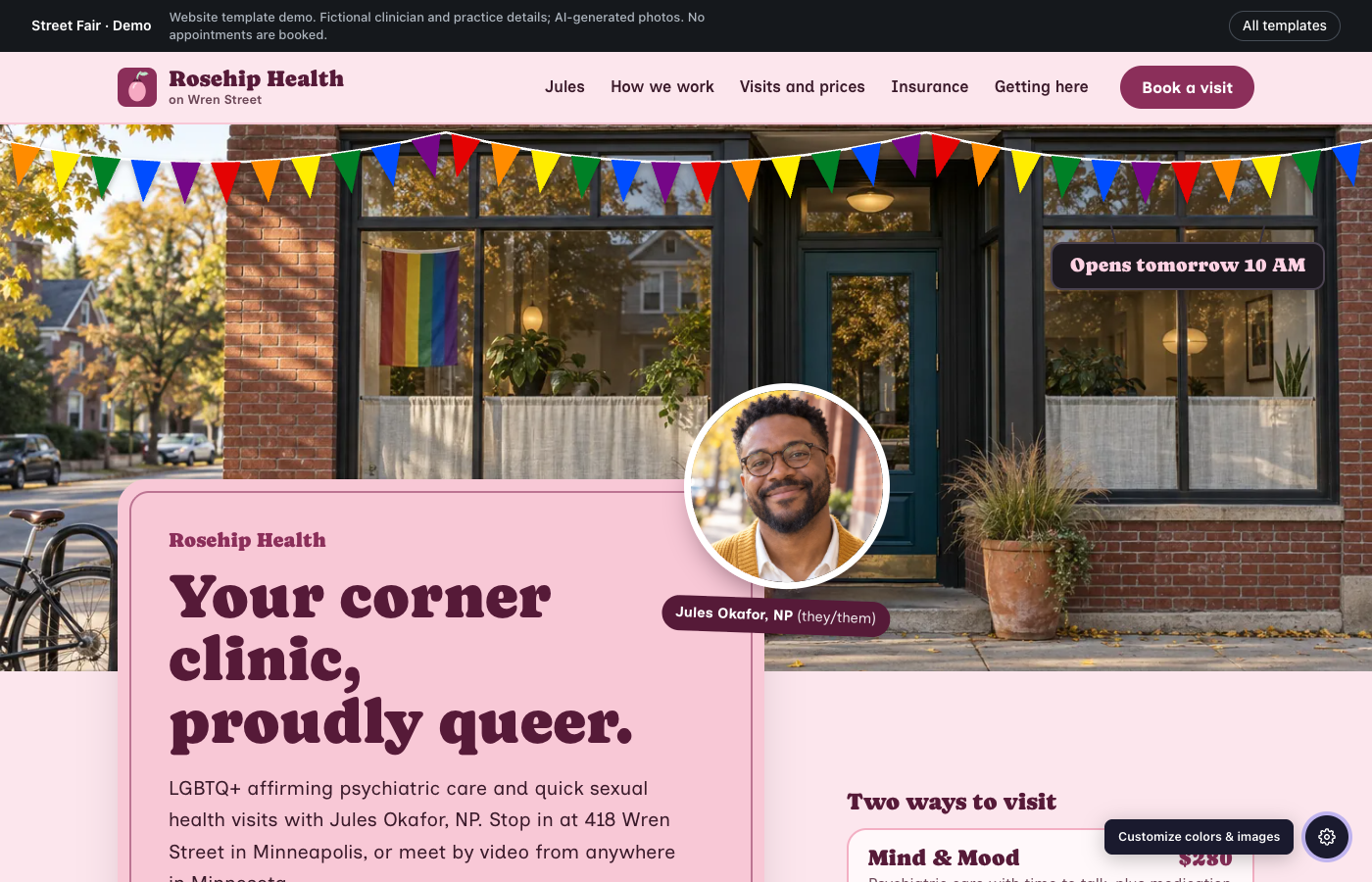
Street Fair
LGBTQ+ affirming psychiatry
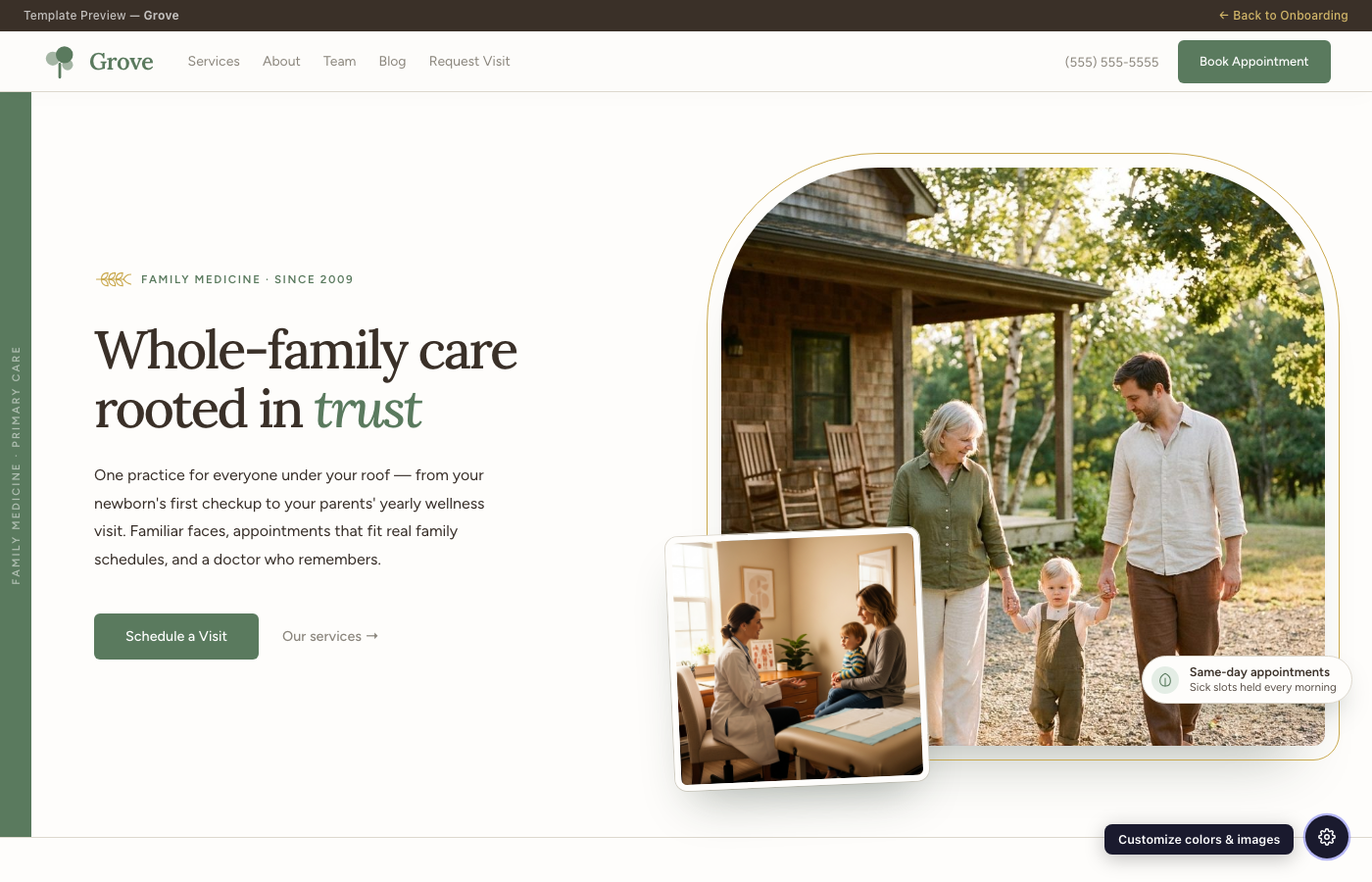
Your storefront under pride bunting, with a shop-sign headline and menu-card prices.
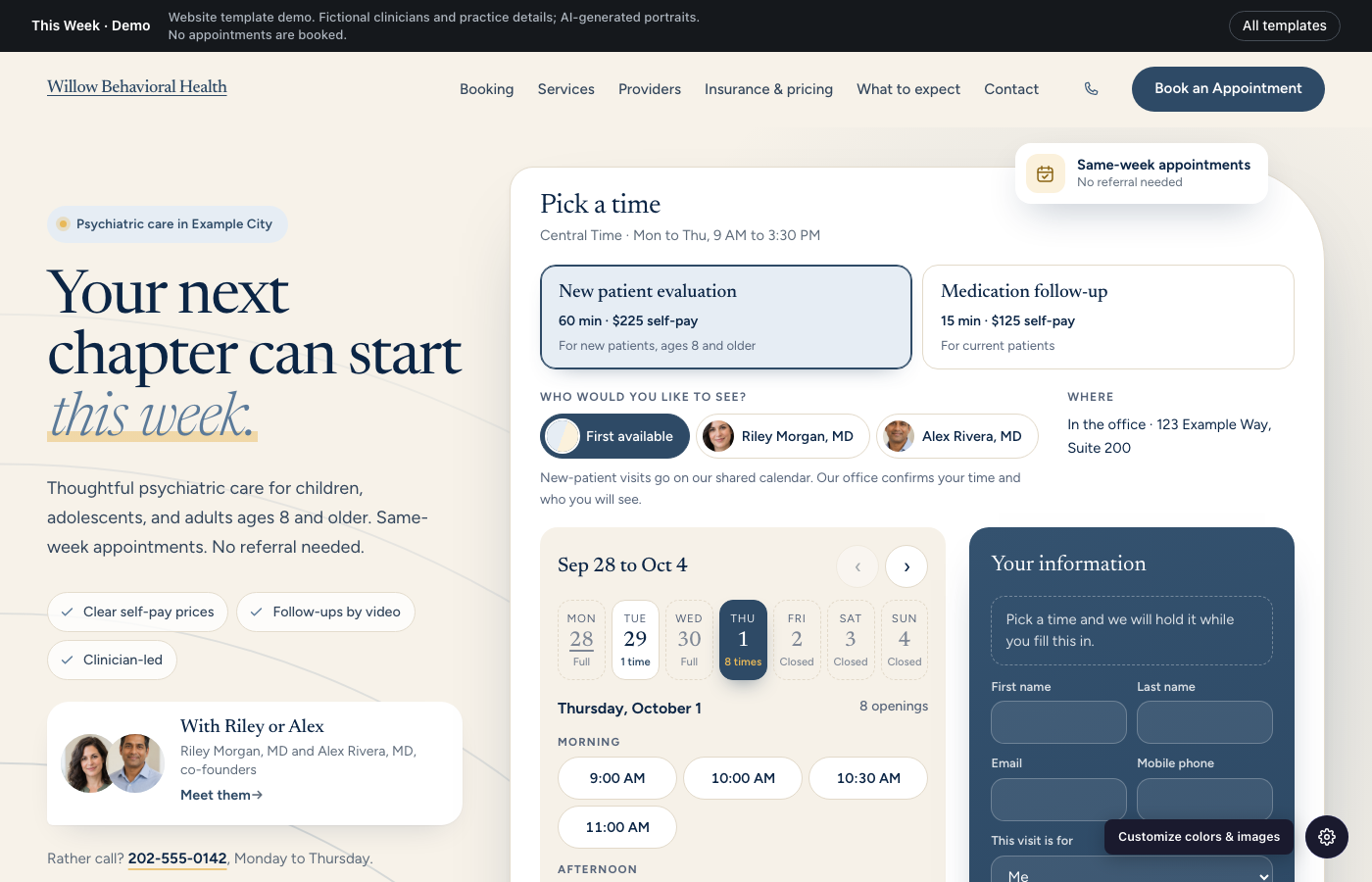
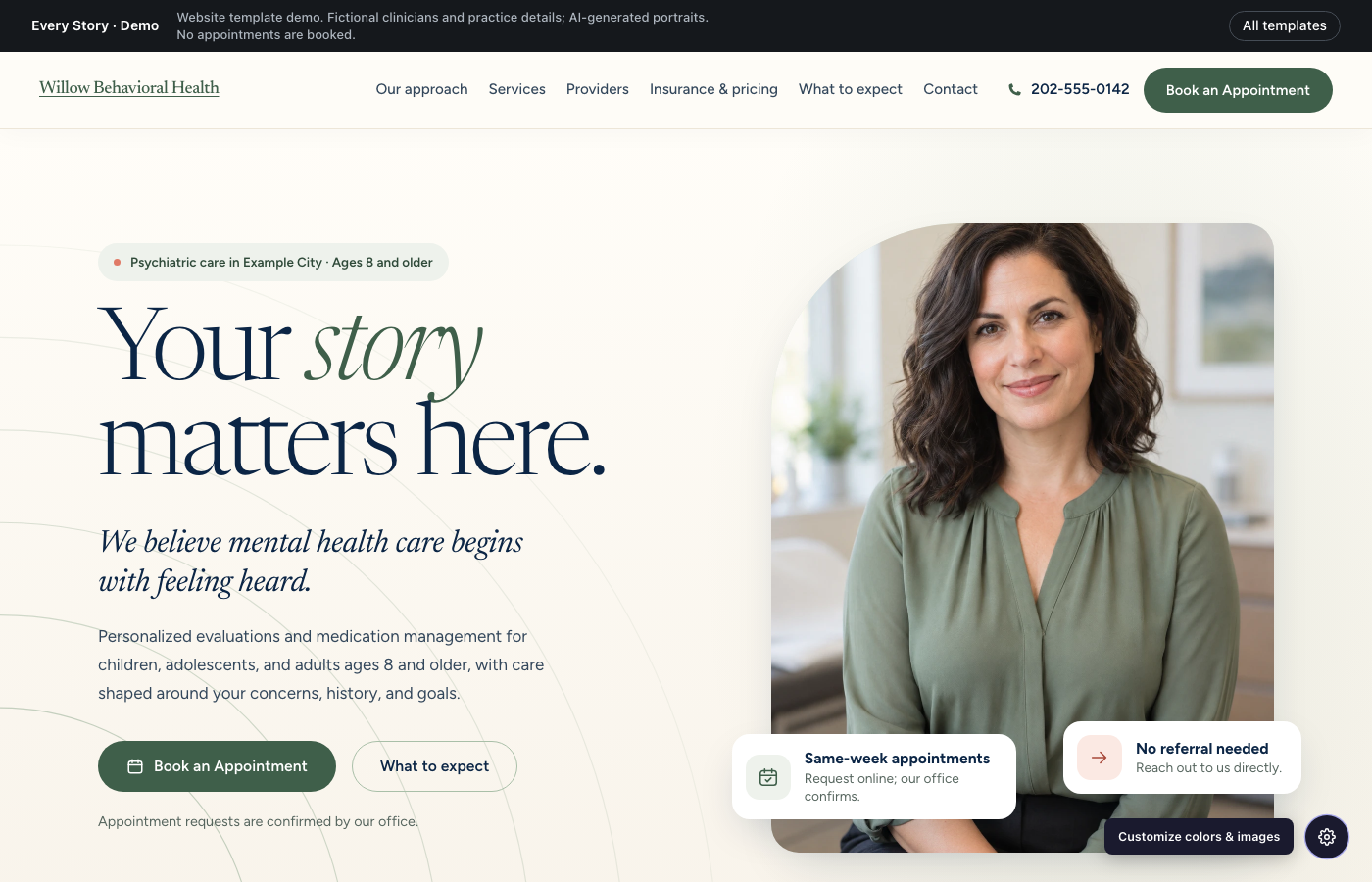
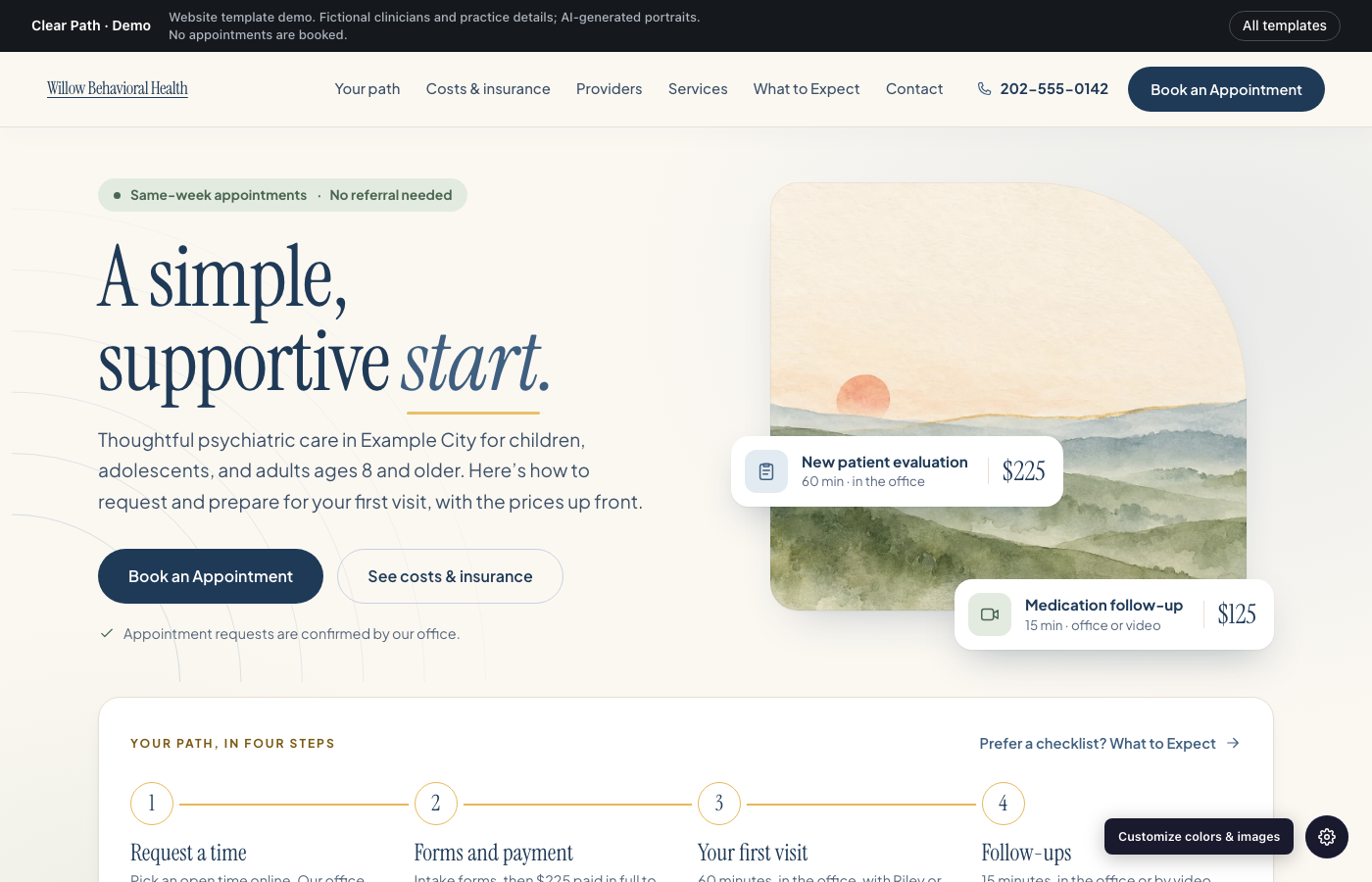
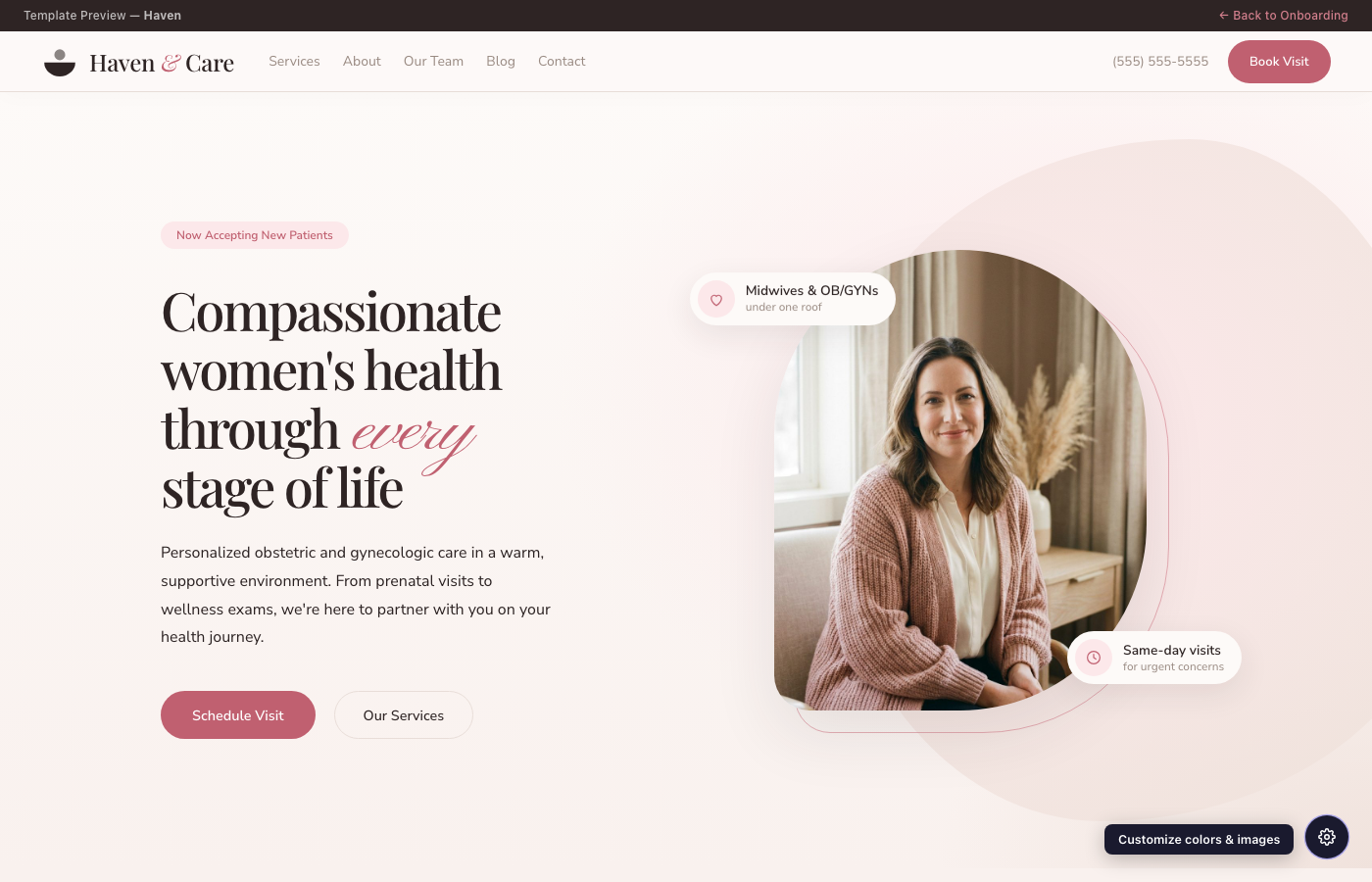
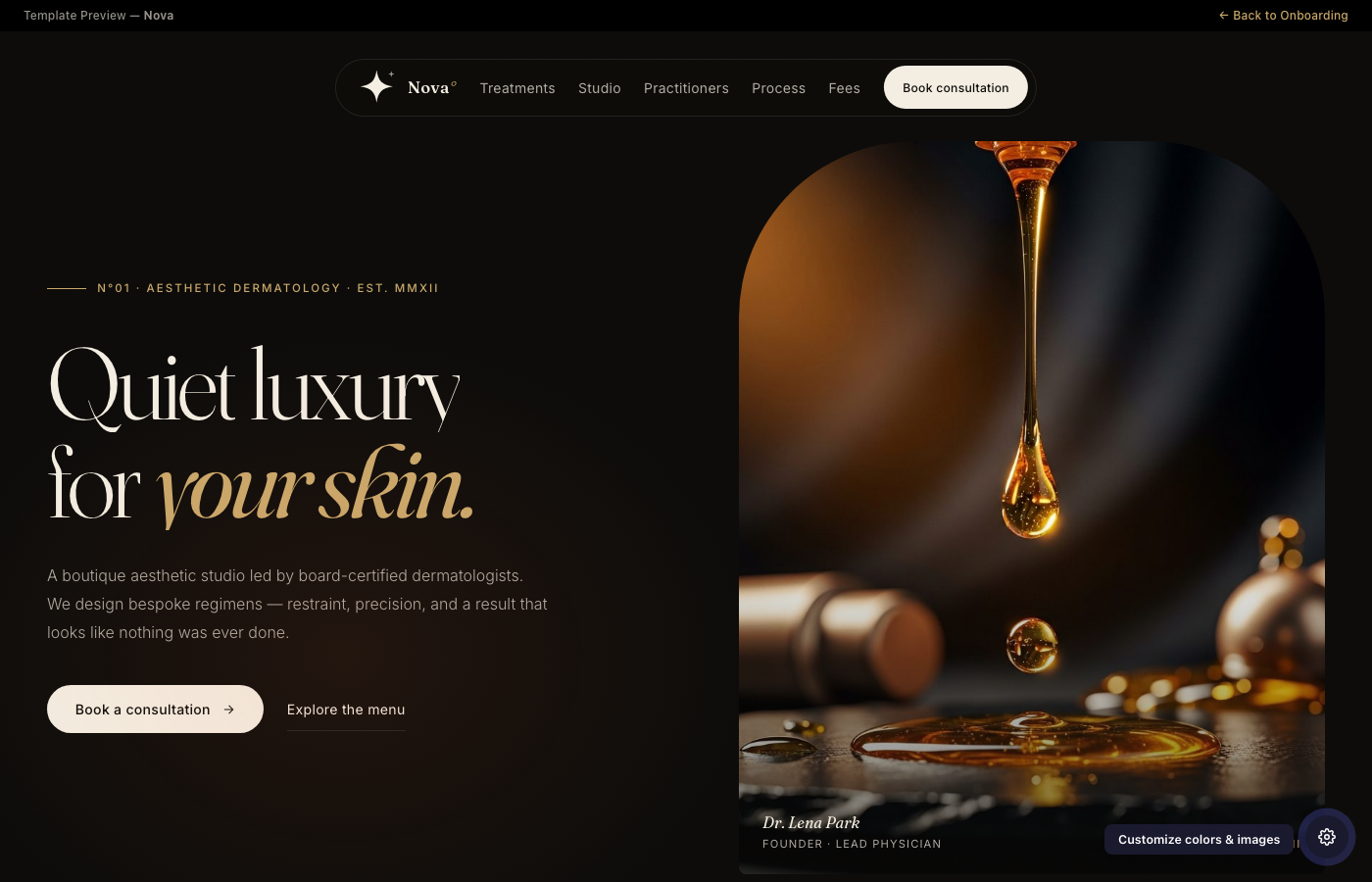
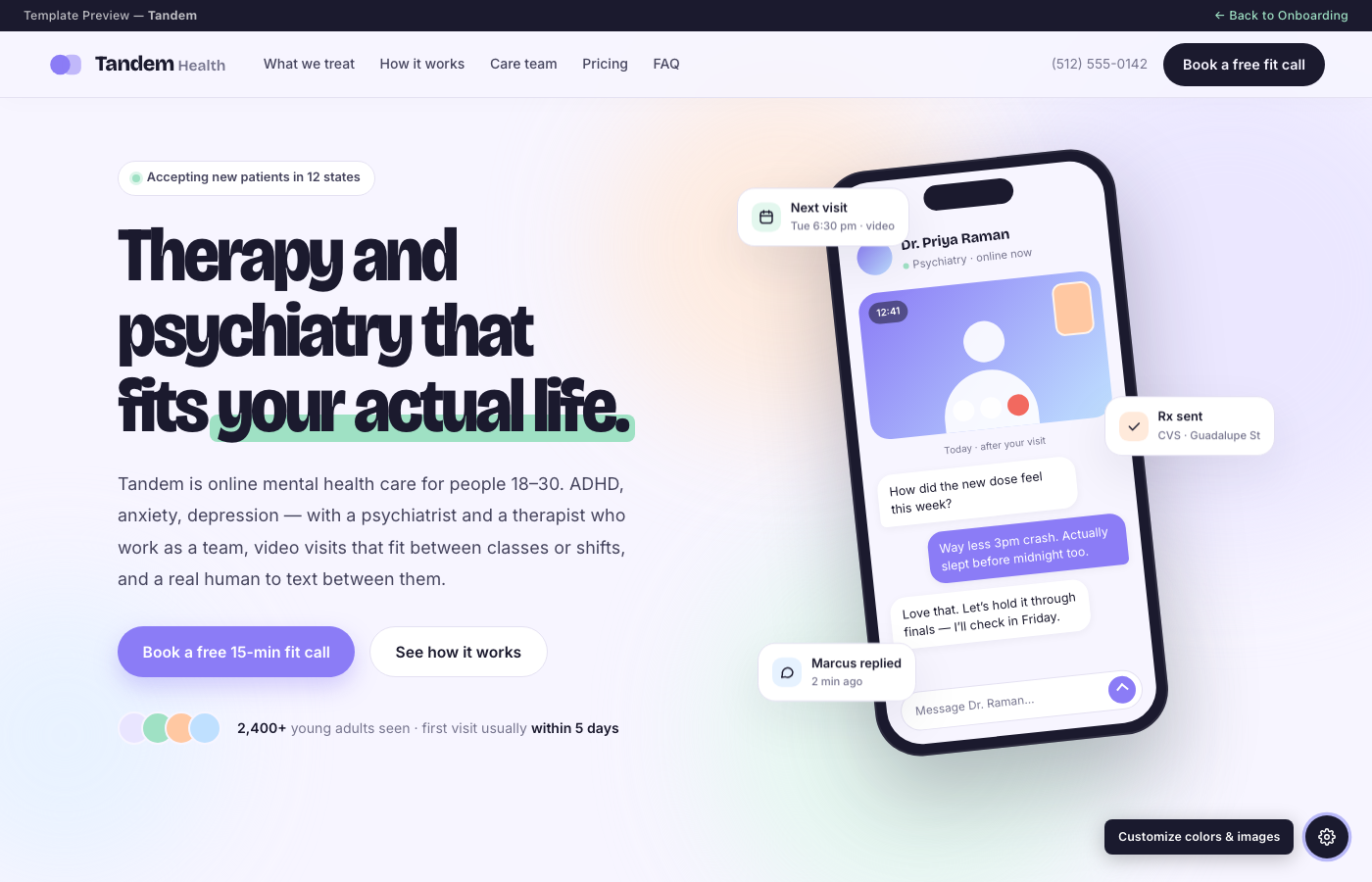
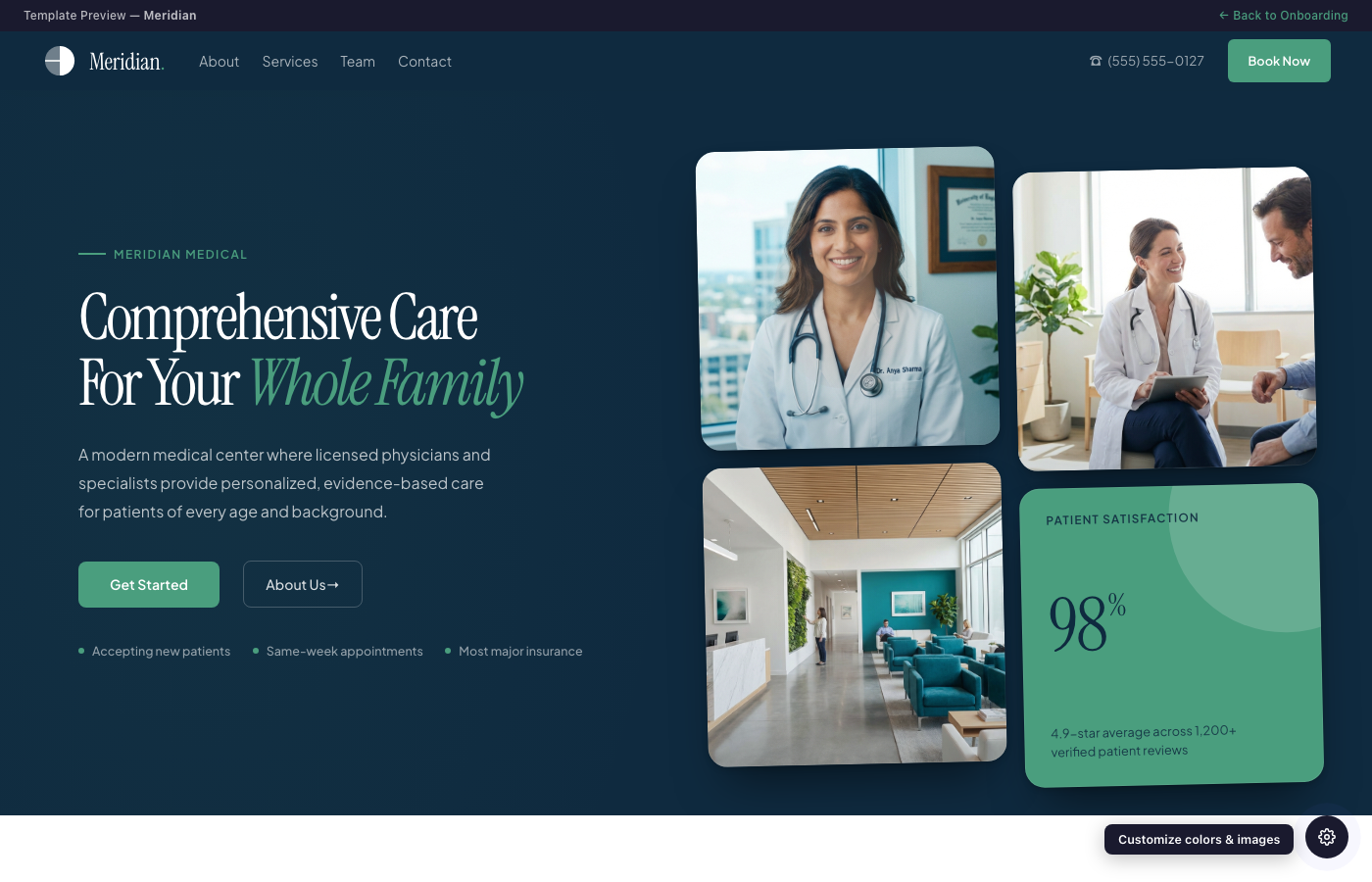
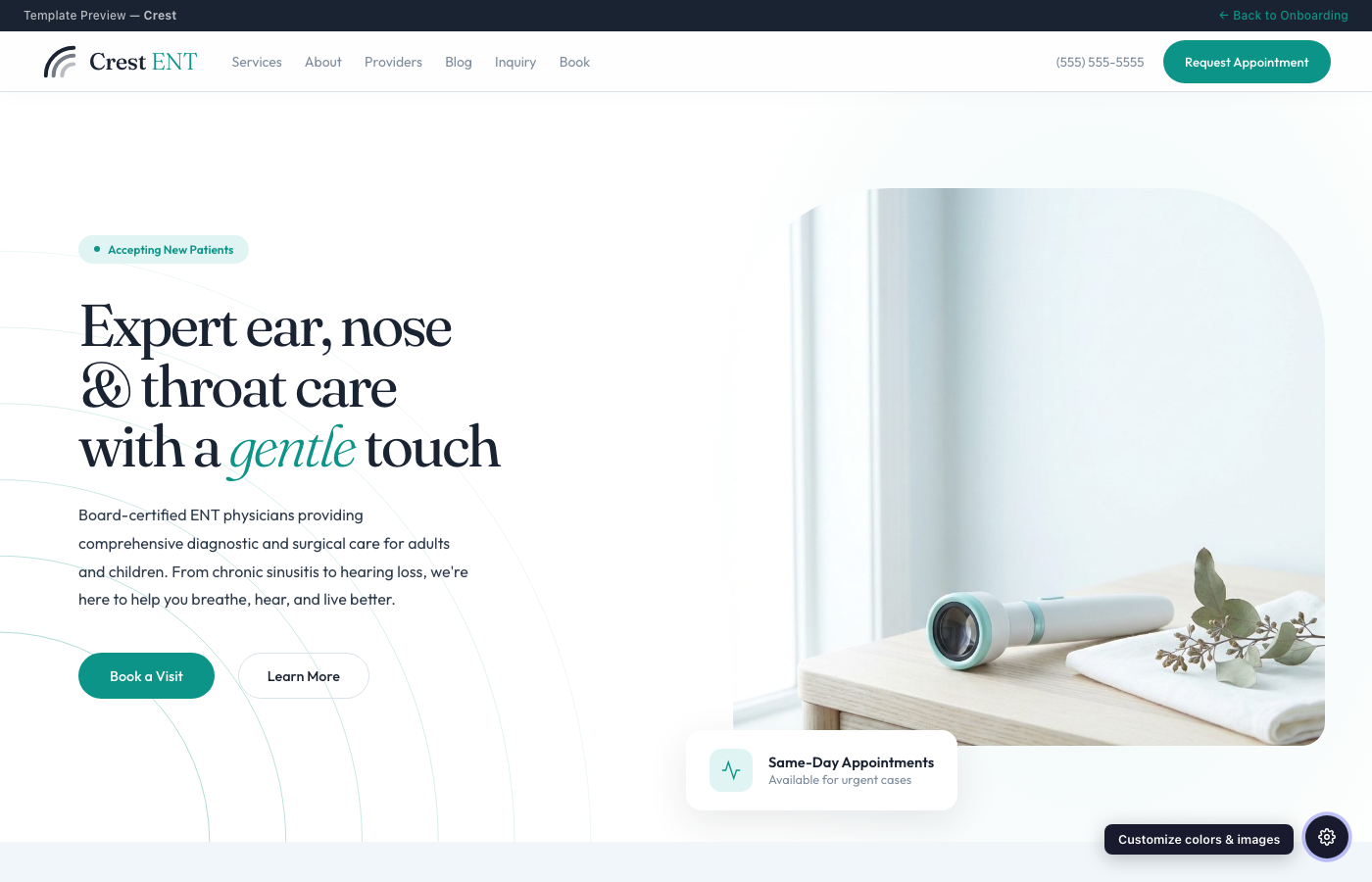
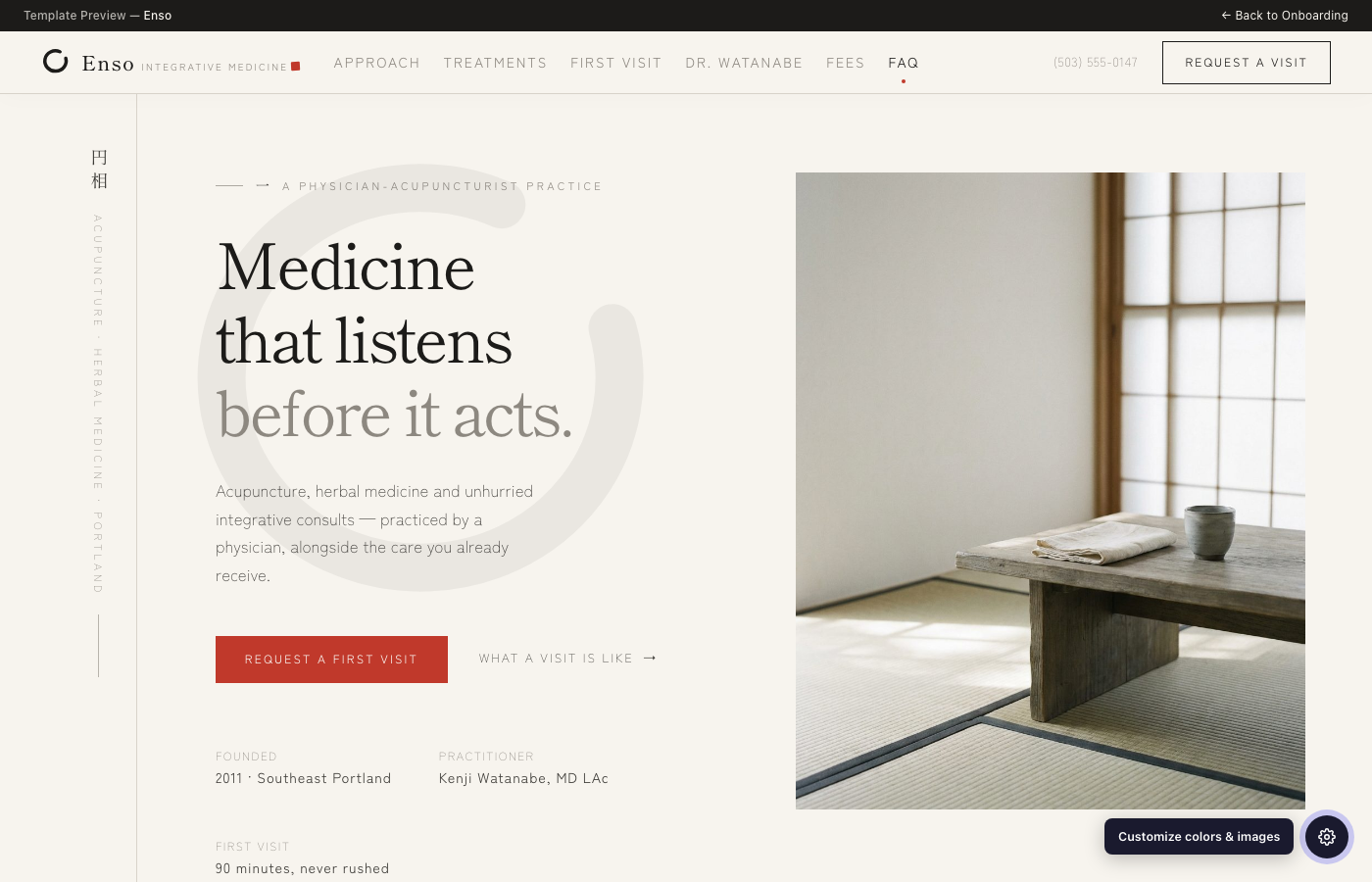
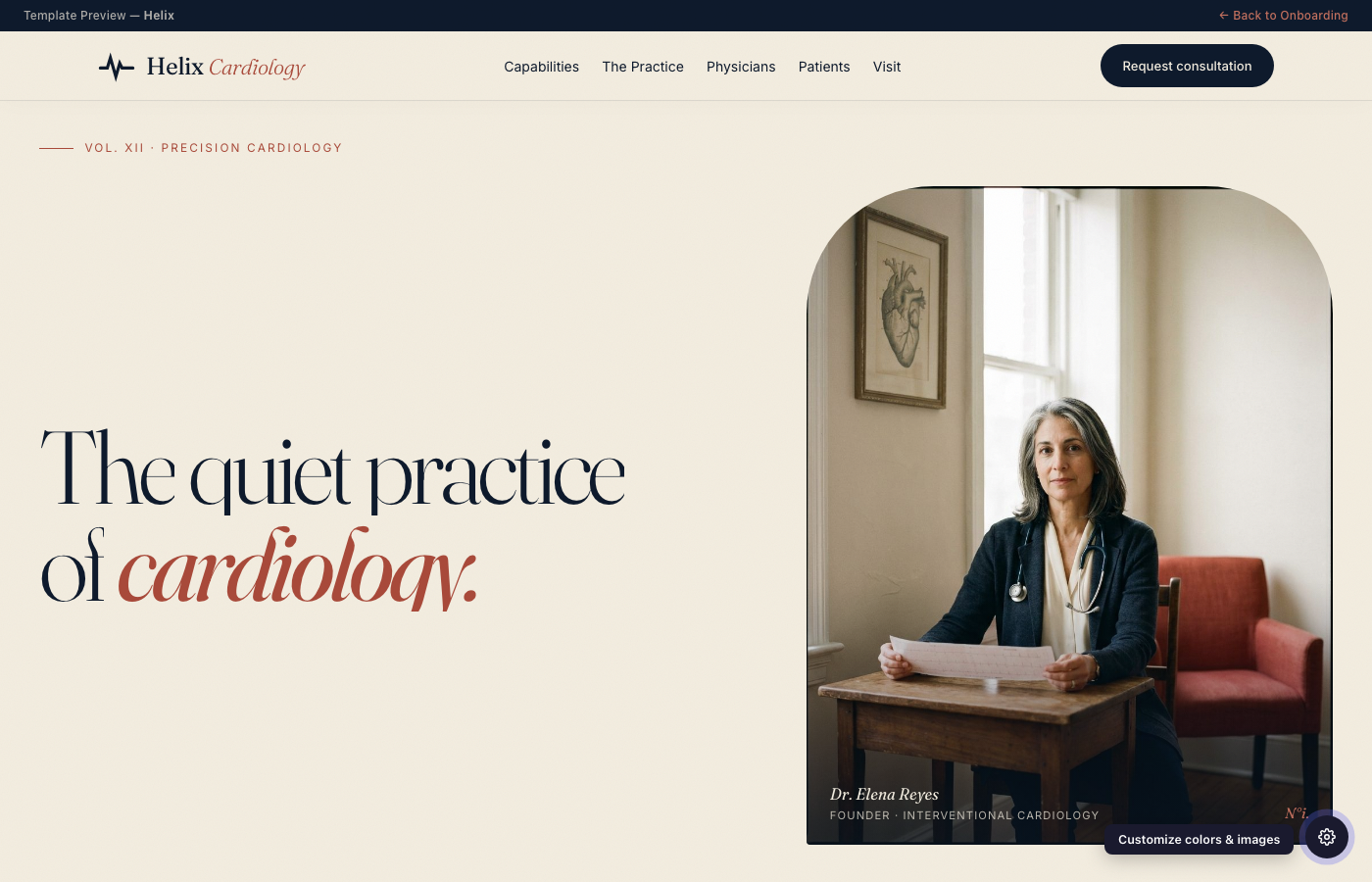
PreviewSelect a design foundation for your practice website. Every template is fully customizable — and we can mix and match elements from different templates to fit your style.







Create accounts with these essential providers to run your practice. Check each off as you go.
Claims clearinghouse for electronic billing, eligibility verification, and ERA/EOB
A laptop for everyone on your team, plus the devices that connect to Hero: ECG machines, ultrasound and other point-of-care devices, and a card reader for payments at the front desk.
Our pick is the 15-inch MacBook Air. Any current MacBook below works well with Hero.
Prices are Apple's US starting prices as of October 2026. Skip the $699 MacBook Neo: it has no Touch ID, which Hero uses for passkey sign-in and EPCS.
While patient data is stored in the cloud, it's inevitable that browser cache, system memory, and local storage will contain unencrypted PHI — this is unavoidable for any EMR. Mac's built-in FileVault encryption and the Secure Enclave chip ensure that this data is always encrypted at rest, even if the laptop is lost or stolen.
Touch ID enables passwordless login via passkeys — faster and more secure than passwords. This also streamlines EPCS (Electronic Prescribing of Controlled Substances) authentication and enables offline mode for Hero EMR when internet is unavailable.
Apple's Find My and MDM support provide industry-leading remote wipe capabilities. If a laptop goes missing, you can instantly erase all data remotely — critical for HIPAA compliance and protecting patient information.
The MacBook Air and Pro's 12MP Center Stage camera keeps you framed during virtual visits, even as you move. No external webcam needed. Patients see a professional, well-lit image out of the box.
The M5 chip delivers desktop-class performance at laptop prices. The 15" Liquid Retina display is ideal for reviewing charts and imaging. At $1,499, it costs less than comparable Windows machines with similar build quality.
At 2.7 to 3.3 lbs with a fanless design and up to 18 hours of battery, the MacBook Air goes anywhere: exam rooms, home, conferences. No charger needed for a full day of patient care.
Hero reads DICOM, the standard file format medical devices save results in, and files those results into the patient's chart. ECGs open as real tracings you can measure with calipers, imaging studies open in a viewer, and both get a printable copy you can print or eFax.
ECG inbox. For devices that save to a folder. Hero watches the folder and picks up new DICOM and PDF files as they arrive.
Chart upload. For USB exports and cloud downloads. In the patient's chart, upload to Media, choose ECG / Imaging (DICOM), then pick the files or the whole folder.
GDT. Optional. Sends patient details to the ECG device before the test, and matches the result back to that patient.
Upload these from the chart. The ECG inbox only looks one folder deep, and USB exports usually go deeper.
Before you buy, send Hero the model and the vendor's quote, and we'll confirm it exports what Hero needs.
When it arrives, run one recording on a test patient and check that it lands in the right chart before you use it for patient care.
To take card payments at the front desk, you need a Stripe Reader S700 or S710. Staff pick the reader when they click Take payment, and the patient taps, inserts or swipes their card, or pays with Apple Pay or Google Pay.
Hero takes front-desk payments through Stripe's internet-connected readers. Bluetooth readers like the Stripe Reader M2, and terminals from Square, Clover or other processors, can't be used from Hero's front desk.
Your practice numbers, phone tree, AI answering agent and desk phones, all managed in Hero under Admin → Soaper Phone.
Hero sets up your numbers for you. Get a new local number, or bring the number your patients already know. Once a number is ready it appears under Admin → Soaper Phone → Numbers & Routing.
Text reminders and two-way texting use a registered texting number. Carriers require a short registration of your practice first, and Hero handles it with you during setup.
A phone tree decides what callers hear and where each call goes: open hours, a menu ("press 1 for scheduling"), a group of staff, the AI agent or voicemail.
| Business hours | open / closed / holiday |
|---|---|
| Menu | press 1, 2, 3… |
| Announcement | play a message |
| Ring people | a ring group |
| AI agent | AI answers the call |
| Forward outside | another number |
| Voicemail | take a message |
| Hang up | end the call |
Until a tree is published, calls go to your failover number.
The AI agent answers calls your phone tree sends to it. It can book and move visits, register new patients, take messages and answer common questions, and it hands the call to a person when it should.
| Schedule | book new visits |
|---|---|
| New patients | texts a registration link |
| Reschedule / cancel | existing visits |
| Messages | delivered to your inbox |
| Questions | hours, locations, insurance, doctors |
| Transfer | to staff or voicemail |
Answers to practice questions come from Admin → Clinic Information, so keep hours, locations and accepted insurance up to date. Review calls on the Agent Log tab.
Physical phones, like Yealink or Poly, ring along with Hero's softphone. Any desk phone that supports SIP over TLS with encrypted audio (SRTP) works. Each phone gets its own login from Hero.
| SIP server | sip.telnyx.com |
|---|---|
| Transport | TLS |
| Port | 5061 |
| Encrypted audio (SRTP) | Required |
| Registration expiry | 120 |
| Codecs | G.722, G.711 µ-law (PCMU) |
| Username / password | from Hero's setup sheet |
Hero alerts your phone admins whenever 911 is dialed, so expect that alert. If you hear a recorded message instead of a dispatcher, or the address is wrong, hang up and tell Hero right away. Until the test works, use a cell phone or another line for emergencies.
Hero's AI will place routine calls for your team, wait on hold, and bring a person in when one is needed.
Final practice setup items to handle before you wrap onboarding.
Set up a dedicated main line for patient calls, website contact details, and practice operations. Get a new number from Hero or port your existing one (see Step 4).
Keep ownership of your domain, but let Hero manage the DNS records needed for your website, portal, secure subdomains, and email authentication.
Hero's standard Cloudflare nameservers are listed below. Add both at the company where you bought the domain, then reply to our setup email when the change is saved.
These are Hero's standard nameservers. If Hero sends a different pair for your specific domain, use the pair in that setup email.
Task-first walkthroughs recorded in Hero EMR itself, for training the people who will use it every day. Hand them to a new hire in order, or send a single one when a question comes up.
Everything a new front desk hire meets in their first week, in roughly the order they meet it, from signing in to taking a payment. Each video stands on its own, so they work as refreshers too.
Signing in, the two toolbar rows, finding a patient with Chart search, Patient Information, the assistant keys, the to-do list, and dark mode.
The day table column by column, the preview pane, every right-click menu, week, month and team views, Next opening, Highlight gaps, and the waitlist rail.
Booking from Available Time Slots, the waitlist, rescheduling, the cancel dialog and its reasons, and a real Shuffle batch staged and applied when a provider calls in sick.
The three doors a new patient arrives through — the website booking widget, a phone call, and the front desk — then the portal invite, Complete Signup, and scanning an insurance card.
The Previsit column, Visit Readiness in the preview pane, checking a patient in at the desk, and when to hand someone the kiosk instead.
The softphone dock and its status, do not disturb, calling a patient, transferring a call, voicemail, and what the AI agent does when nobody picks up.
Patient messages routed to the desk, writing and sending a reply, sorting and filtering the queue, website inquiries, and what to hand to a clinician.
Working the shared fax queue — the folders, linking a fax to the right chart, creating a chart from one, marking it done — and accepting an inbound referral.
The board end to end: Mark arrived, Triage, Room and Discharge, acuity, reaching a patient by call or text, the copay chip, and the patient’s own phone sign-up.
Where a patient’s balance lives, taking cash and checks with the change worked out for you, statements singly and in bulk, the Day Sheet, and how patients pay in the portal.
For physicians, nurse practitioners and therapists, in the order to watch them, from finding your way around to signing and coding a visit. The rest of the series is being recorded and will appear here as each one is finished.
How a physician’s screen is organized, from Home and the calendar through the chart and the tools on the wand, so every later video starts from familiar ground.
A telehealth visit in Hero: how it is set up, where the patient and you join, and how Hero captures the conversation for your note.
Writing a note by typing: opening the visit, the editor and its toolbar, bringing chart data in, the AI helpers, and quick notes for work that happens outside a visit.
Recording a visit so Hero writes the note from your conversation with the patient, and what to do when a recording needs attention.
Every choice that shapes the note Hero writes from a recording: the template, the chart context it reads, the writing engine, and split psychiatry and psychotherapy notes.
Building the templates Hero uses for dictated notes: copying a standard template, what a template’s text means to Hero, the AI Wizard, testing a template, My templates, and visit types.
Inserting dot phrases, the ones Hero ships with, the ones that pull live data from the chart, building your own with blanks and dropdowns, and phrases that carry forward from visit to visit.
The library of standard instruments, making your own version, sending them automatically before visits, and reading the results, including bringing them into your note.
What Hero drafts when you save a note, where each suggestion lands, which ones wait for your approval, and how to review all of it before you sign.
Reading the medication list, writing and sending a prescription, pharmacies, cancelling, and answering renewal and refill requests.
What must be set up before you can prescribe controlled substances electronically, signing one with two-factor approval on your phone, and checking the state PDMP.
From order to result: ordering a test, order sets, the paper requisition, how results arrive, reviewing and trending them, and telling the patient.
What the patient takes home: the after-visit instructions Hero drafts, education handouts, homework between visits in the My Hero app, and work and school letters.
Encounter Completion section by section, the checks that must pass before you sign, what signing does, and how to change a visit after it is signed.
An NP or PA routes a controlled prescription to their supervising physician, who reviews the prescription history and the PDMP line, adjusts it if needed, and signs and sends it from the Inbox.
Your part of billing: choosing the E/M level, procedures with modifiers and diagnosis links, place of service, cash pay and no charge, and what happens to the claim after you sign.
For billing staff and practice administrators: an overview and shared setup, then the videos for your practice’s payment model — cash, membership, or insurance.
Where billing lives, who can see money, how a signed visit becomes a charge, a claim, or an invoice, and where you check on it each day.
Staff access, Stripe, the payment model, missed-appointment fees and statements, the Service Menu, per-patient rules, and testing it all in the Simulator.
Cash prices, what patients pay up front, saved cards and auto-charge, missed-visit fees, and public pricing.
Deposits and saved-card charges, the bill after the visit, payments and adjustments, superbills, missed-visit fees, statements, and reports.
Stripe, subscription settings, membership plans, switching to DPC in the right order, and what memberships cover.
Enrolling patients, covered visits and extras, failed payments, changing and cancelling memberships, and the month-end numbers.
What Hero configures and what your practice owns: the clearinghouse, the daily claim batch, remittances, billing identity, place of service, list prices, and permissions.
Getting the card right, eligibility checks, the Pre-visit worklist, coordination of benefits, and secondary claims.
The Billing Monitor, the Action Center lanes, fixing claims at the source, holds, the daily batch, and acknowledgements.
Posting remittances and paper EOBs, working denials and underpayments, appeals, and refiling the right way.
Patient AR, statements and reminders, credits and overpayments, stuck claims, and the month-end reports.